Copilot Default
Fills supported applications, then pauses. You check the answers and send.
Copilot never submits.
YouxAI Apply Agent
YouxAI finds roles that fit you and autofills supported job applications in Chrome.
It uses your profile and résumé. In Copilot, you review and send.
Filling applications needs desktop Chrome. Check your résumé here; install on your laptop.
Start free creates your workspace. You connect Chrome after.
Free. No account needed.
Free during beta.
Chrome extension + web workspace. AI runs on your computer.
Add to ChromeOpen youxai.app on your laptop to install the Chrome extension.
Watch it work
The real extension filling a fictional application. The employer and the person are made up.
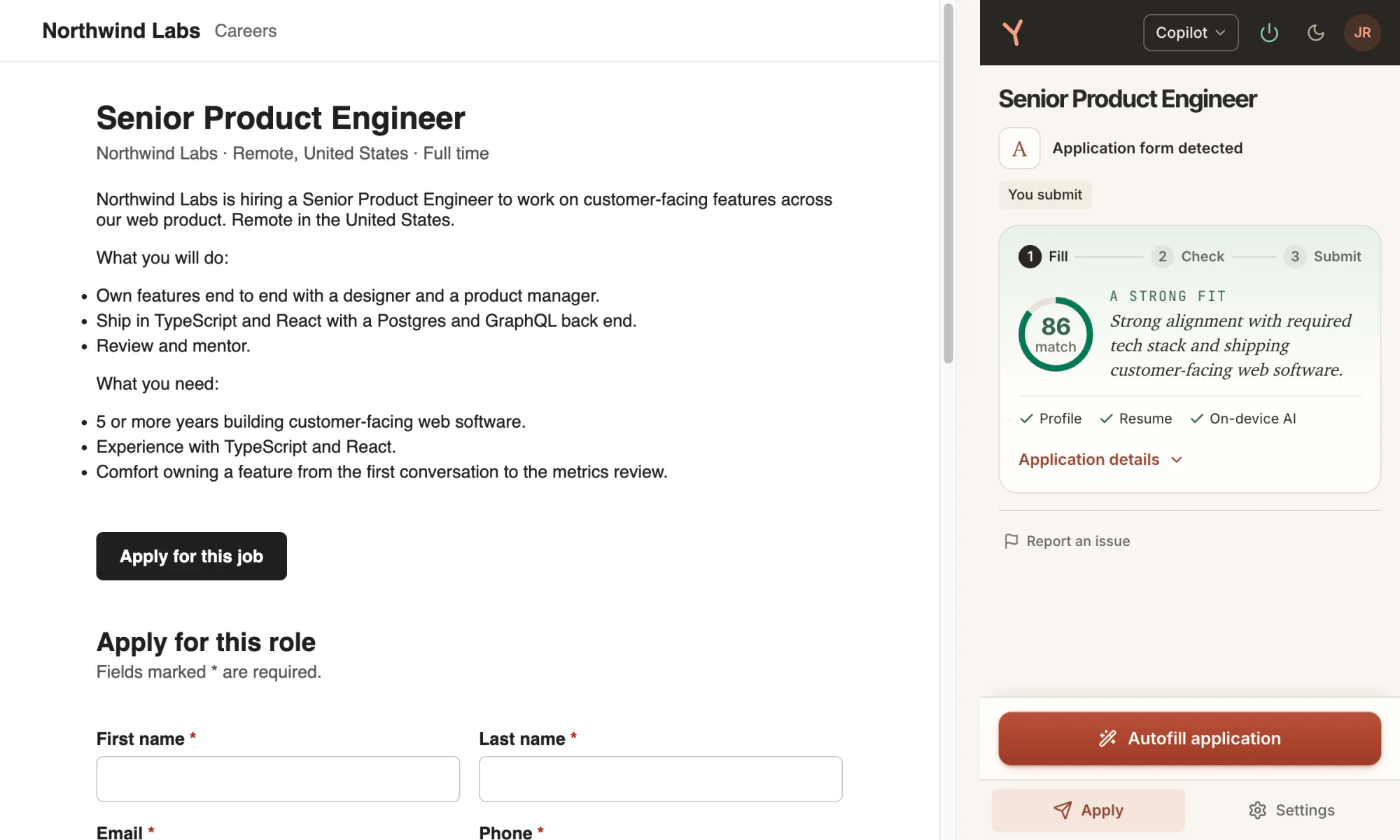
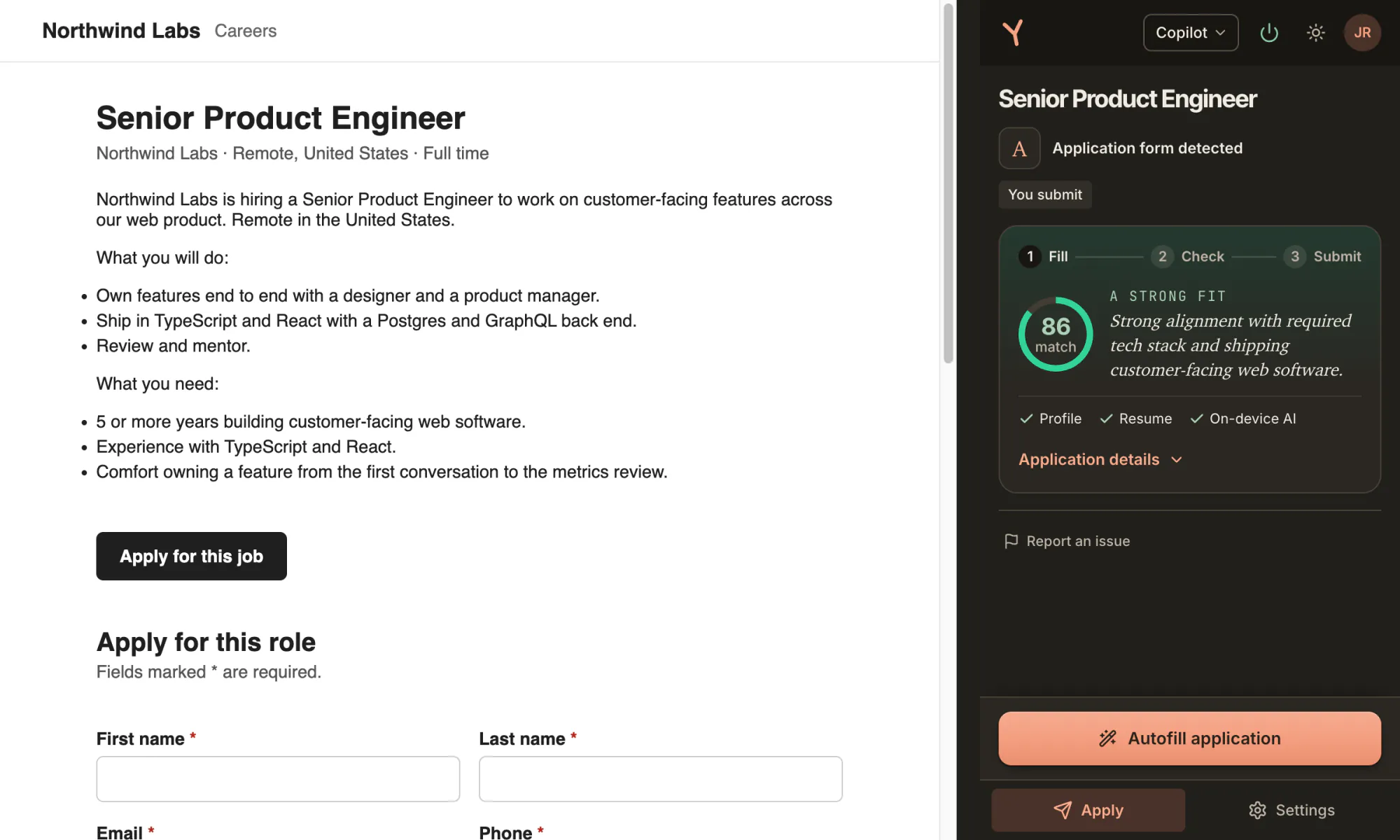
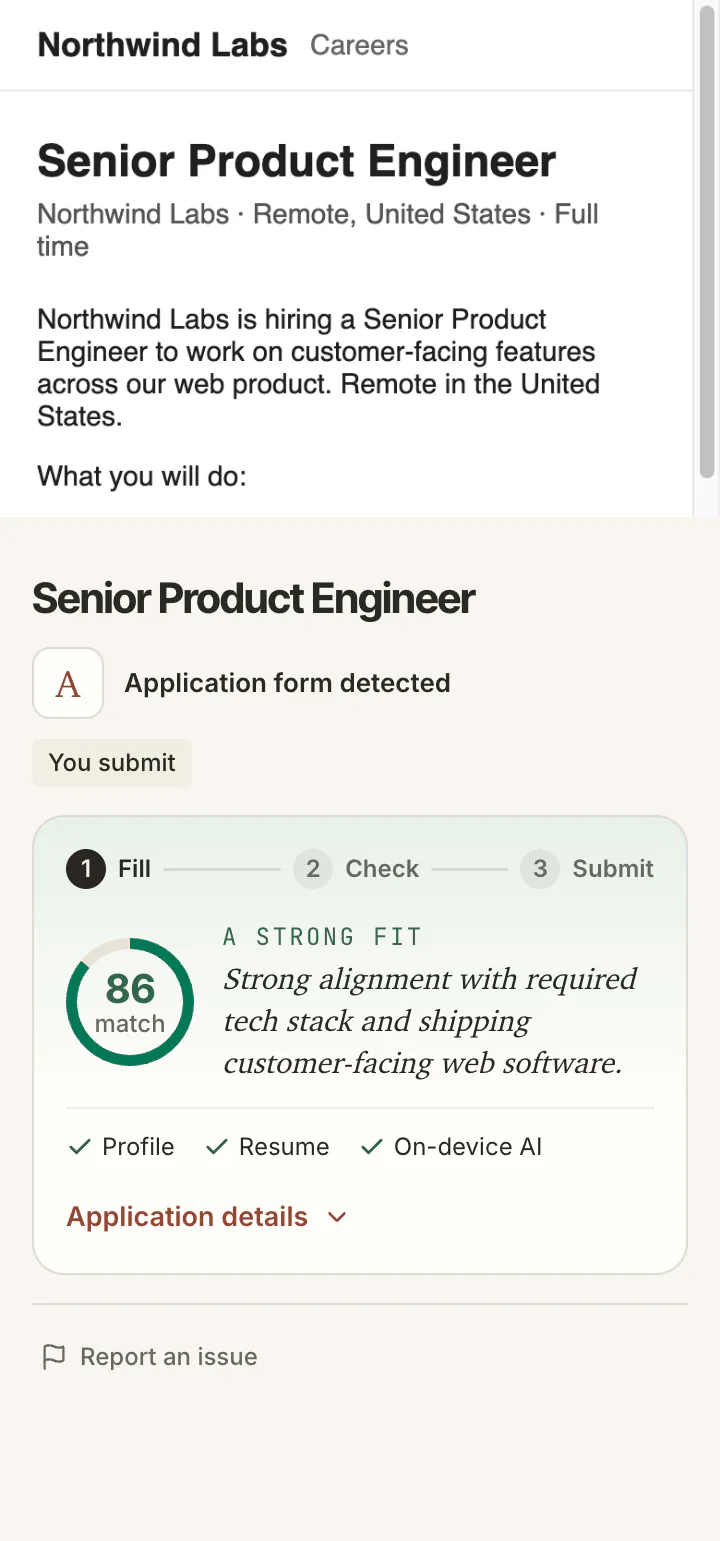
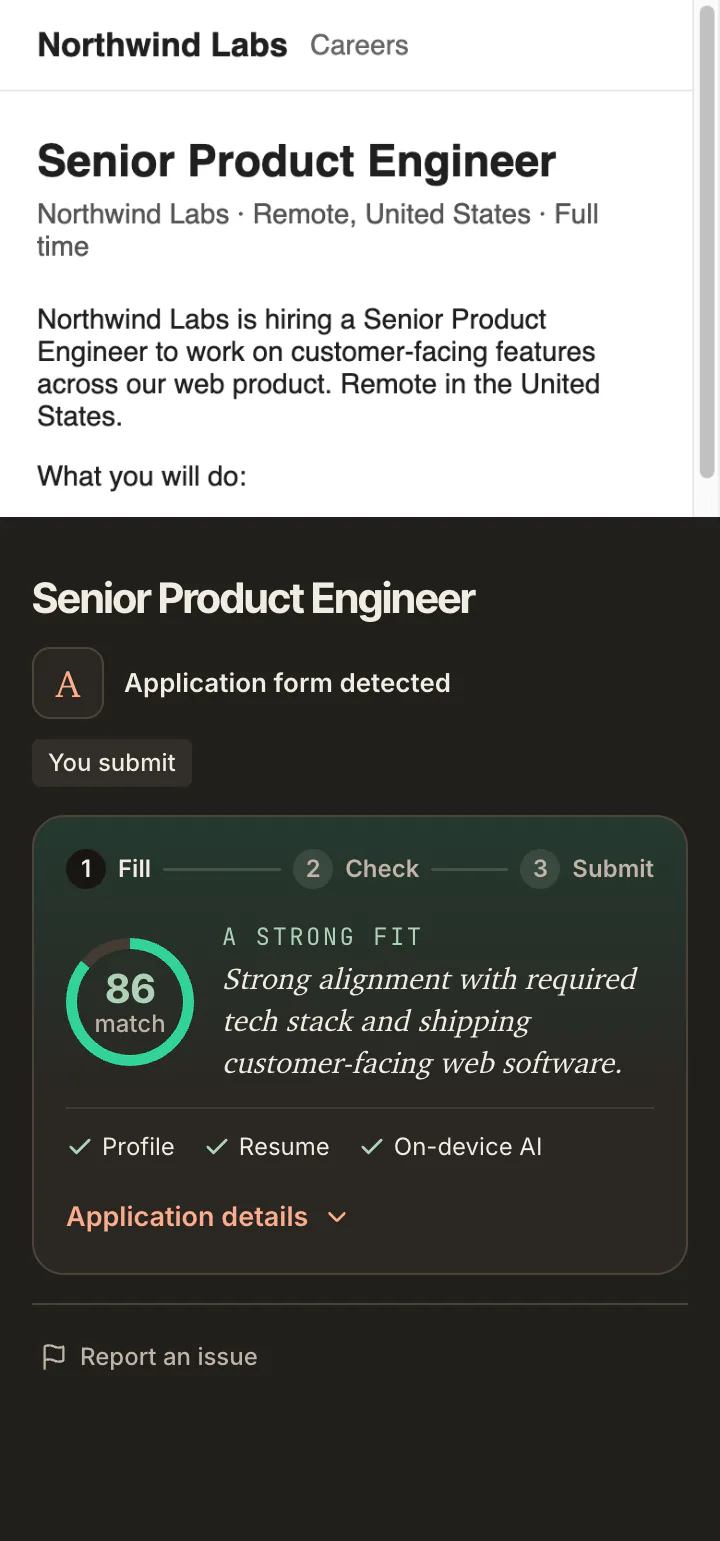
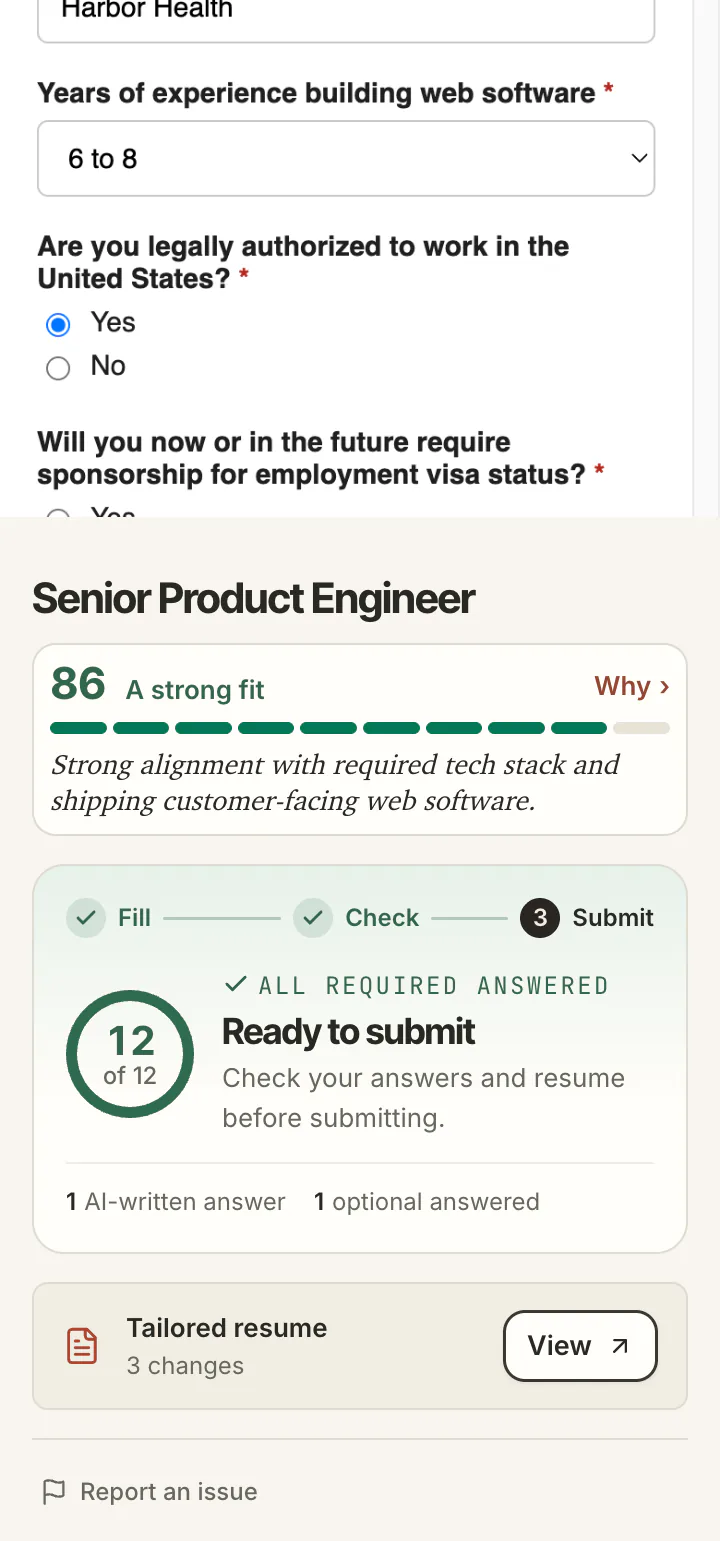
On the posting, the agent reads the role and scores the fit on your computer: 86, a strong fit, with the reason.
Name, contact, employer, work authorization: typed in from what you saved. Nine of twelve required so far.
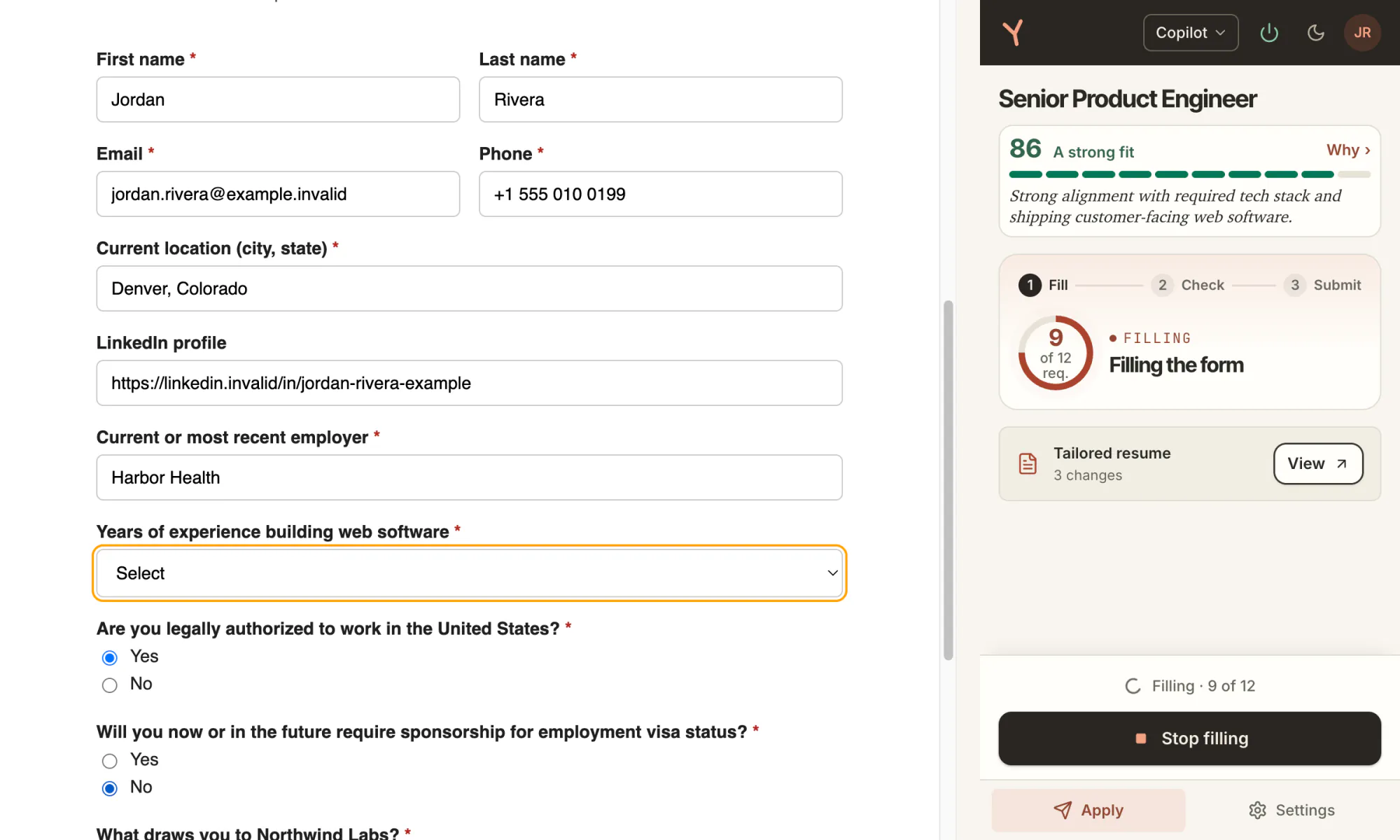
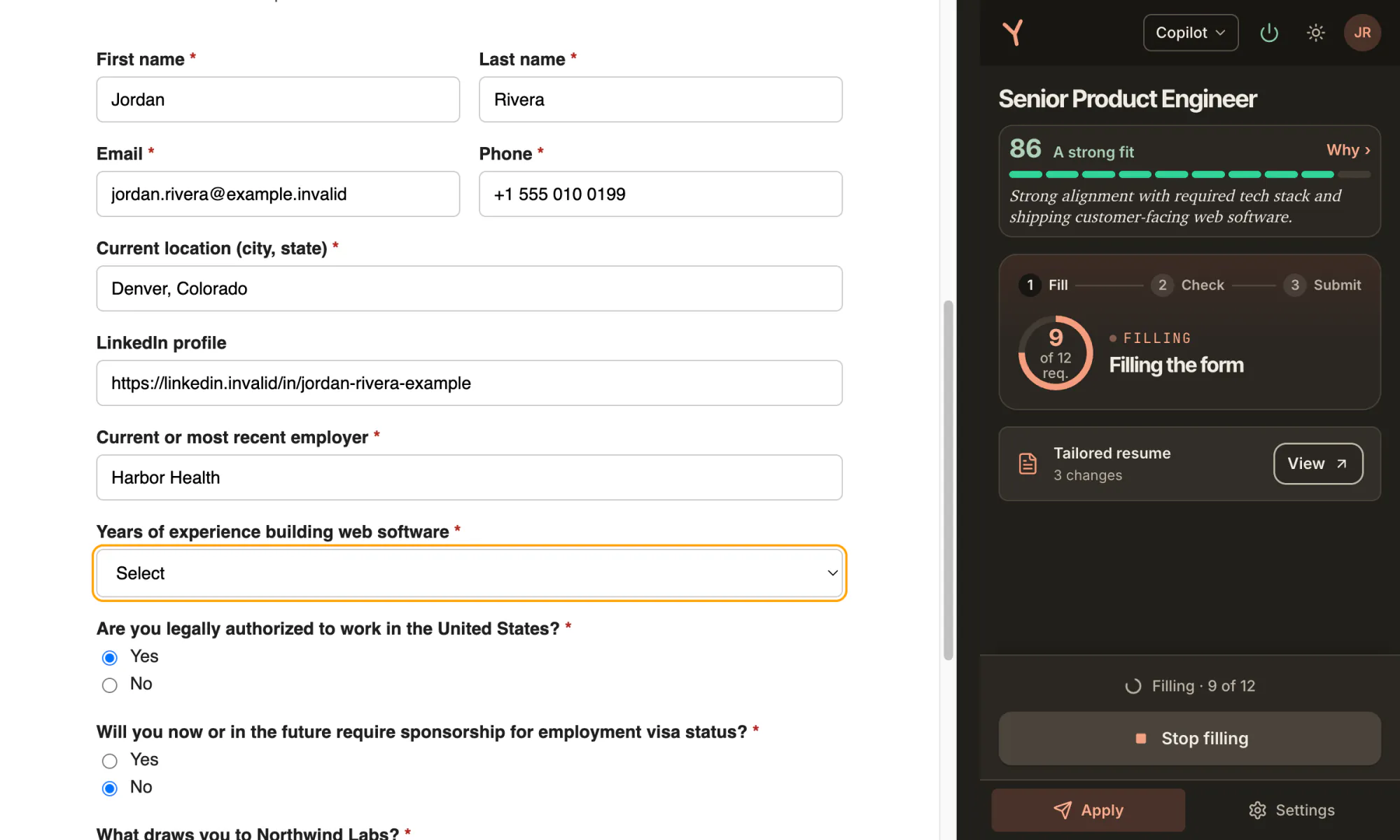
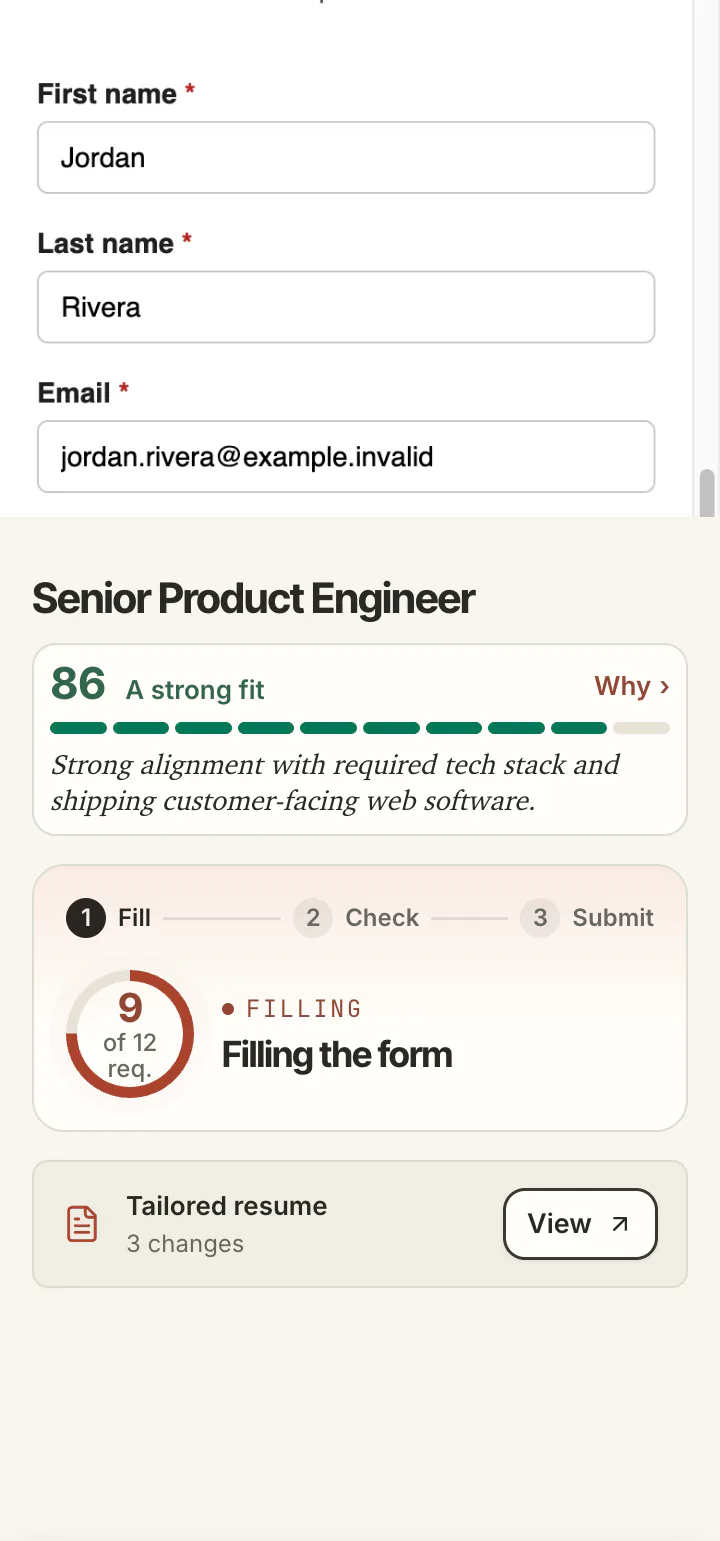
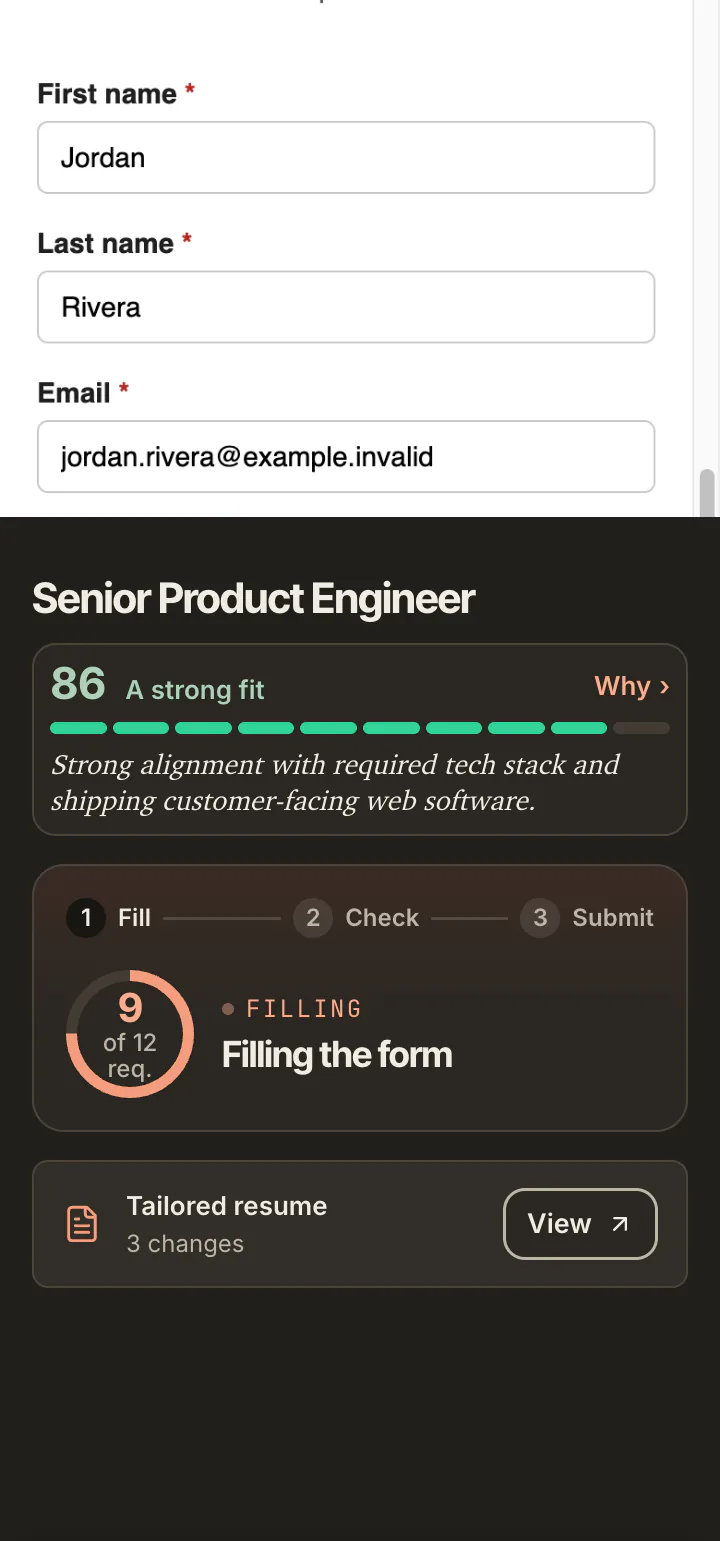
Three answers wait: a years choice offered as options, a legal question and a consent box. The agent does not guess those.
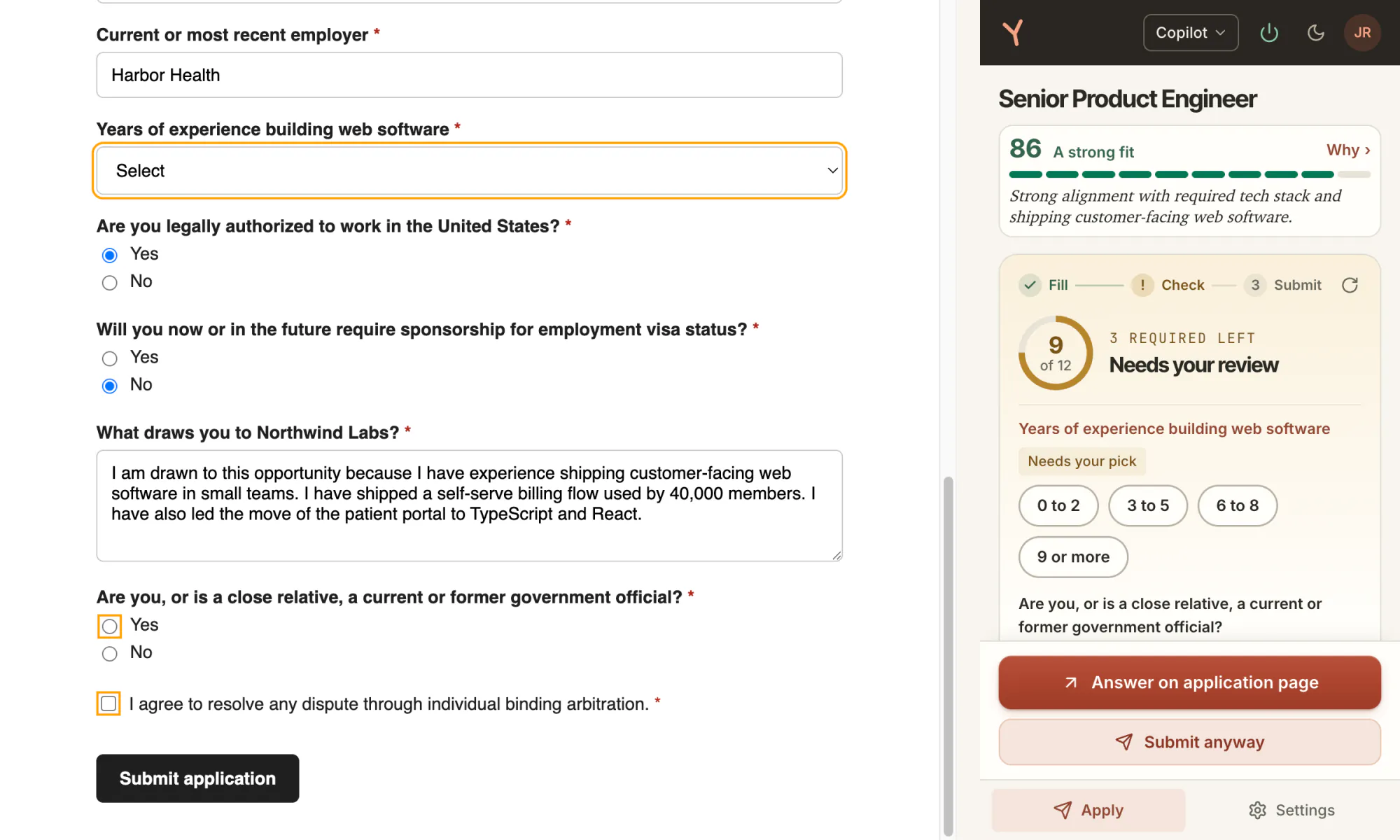
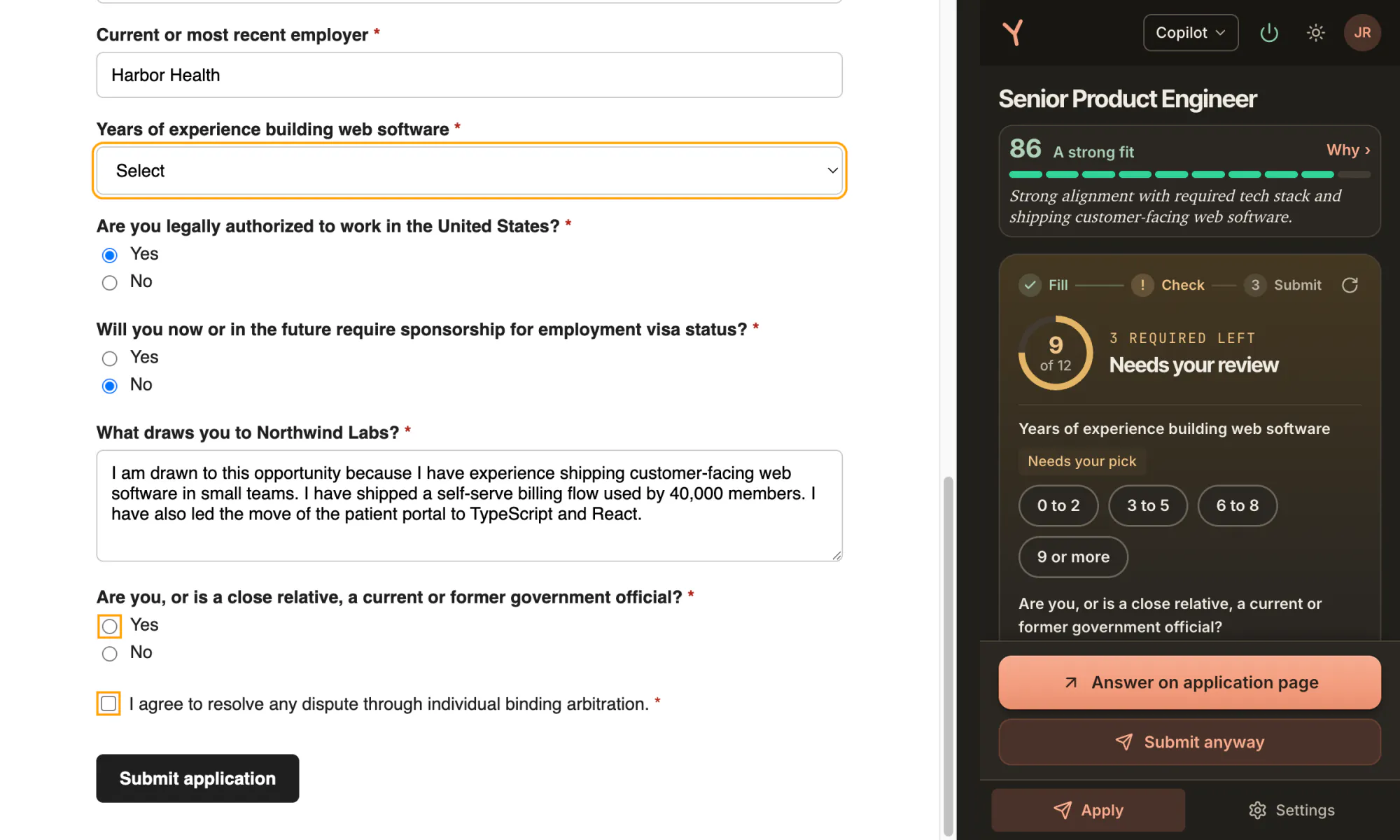
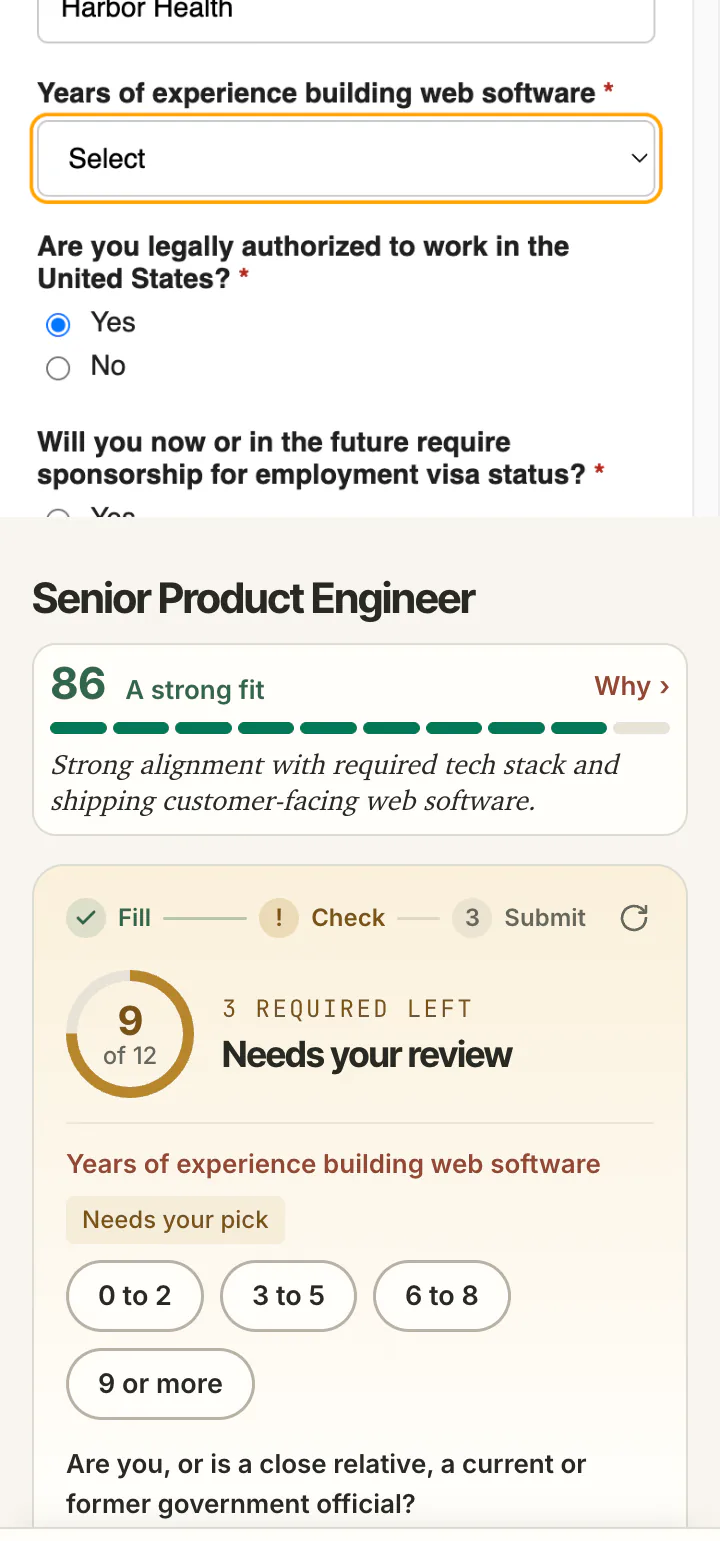
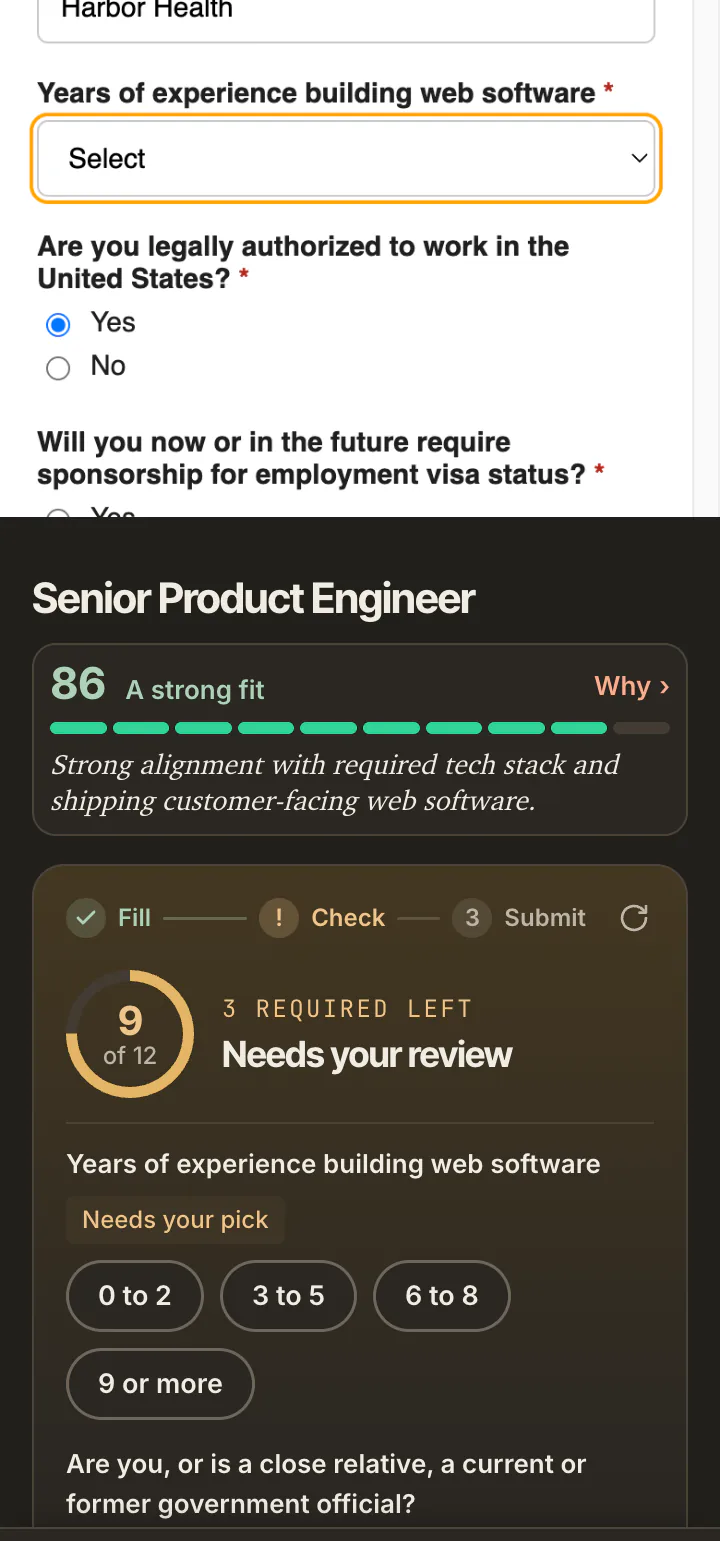
One tap on 6 to 8 in the panel fills the years field on the page. The panel reads the form again: 10 of 12, two left, the next question up.
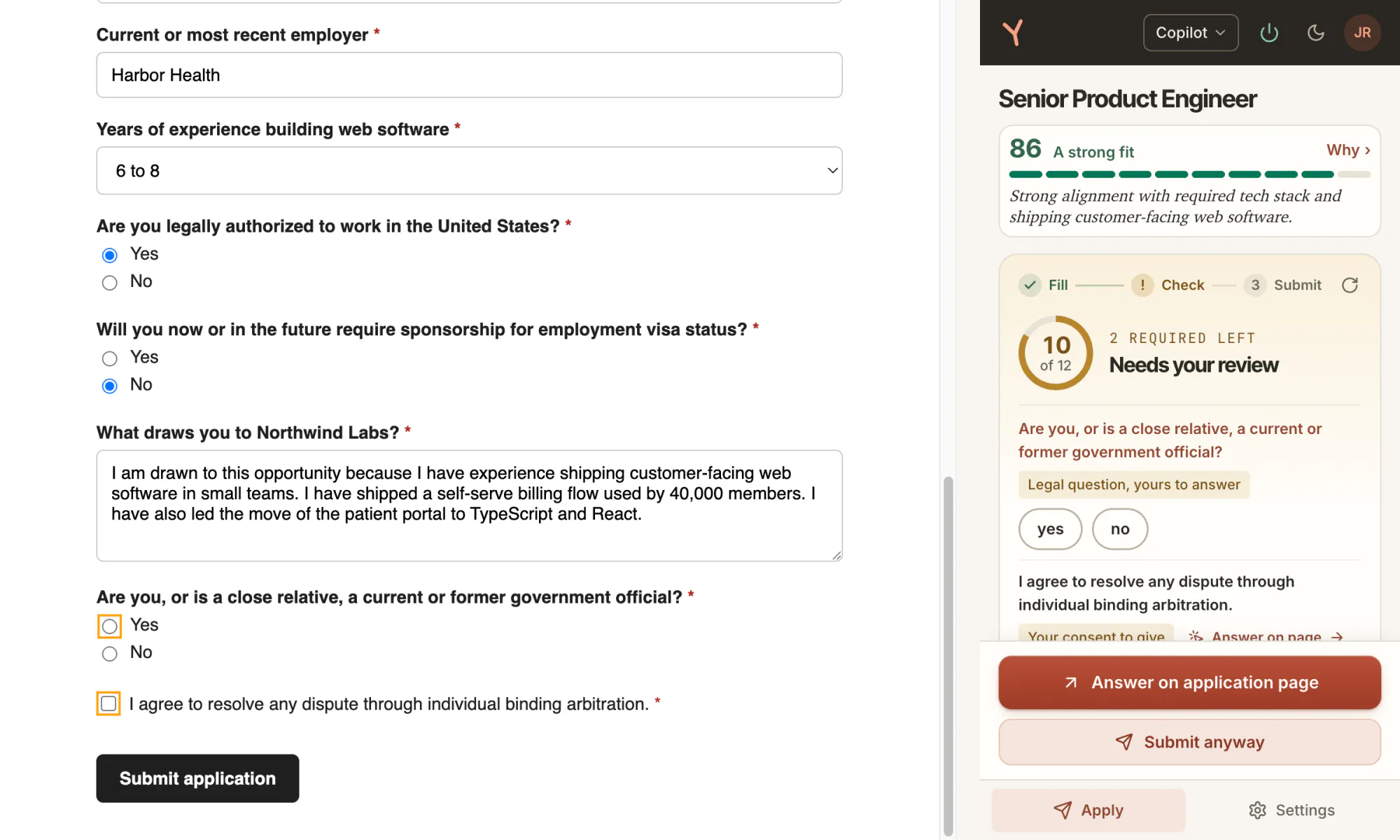
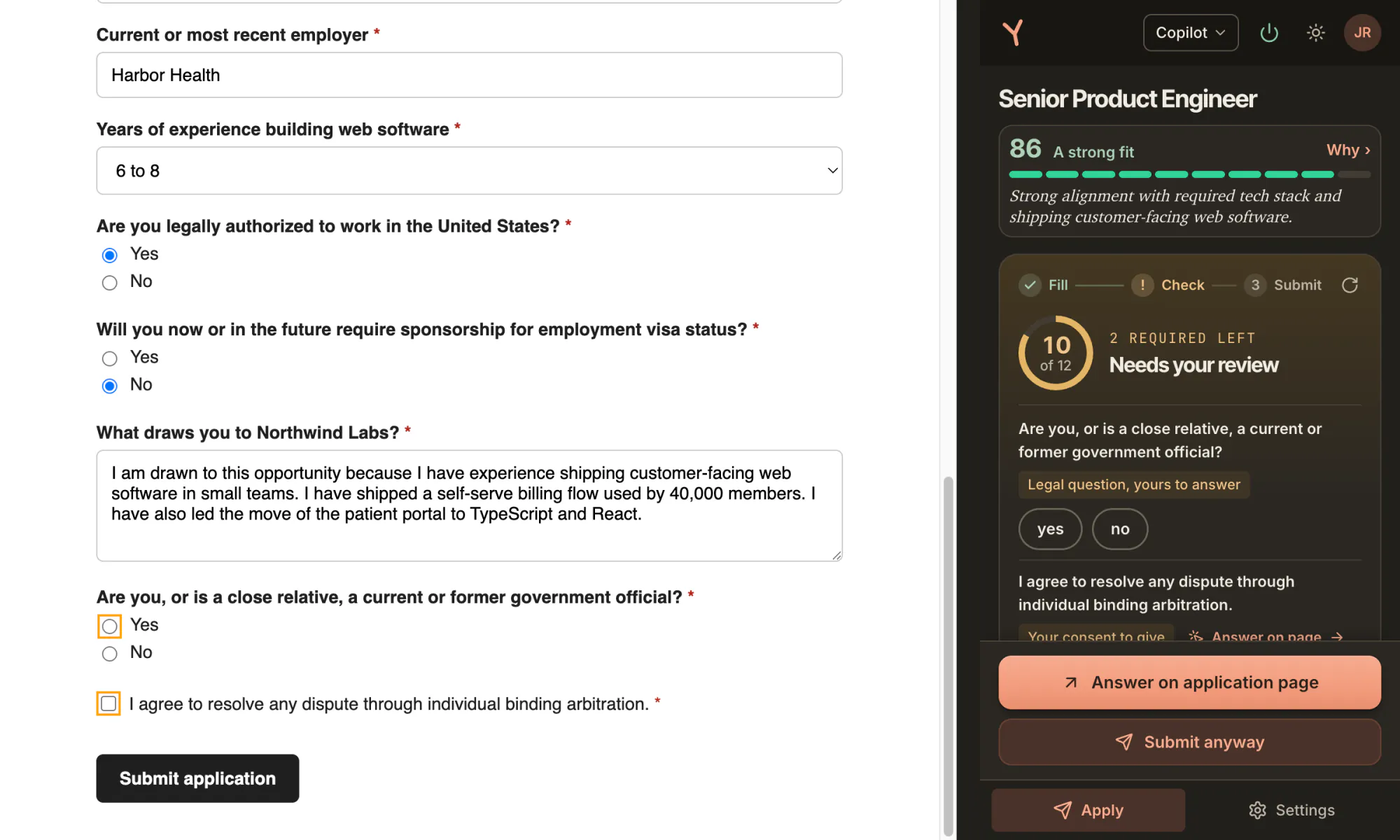
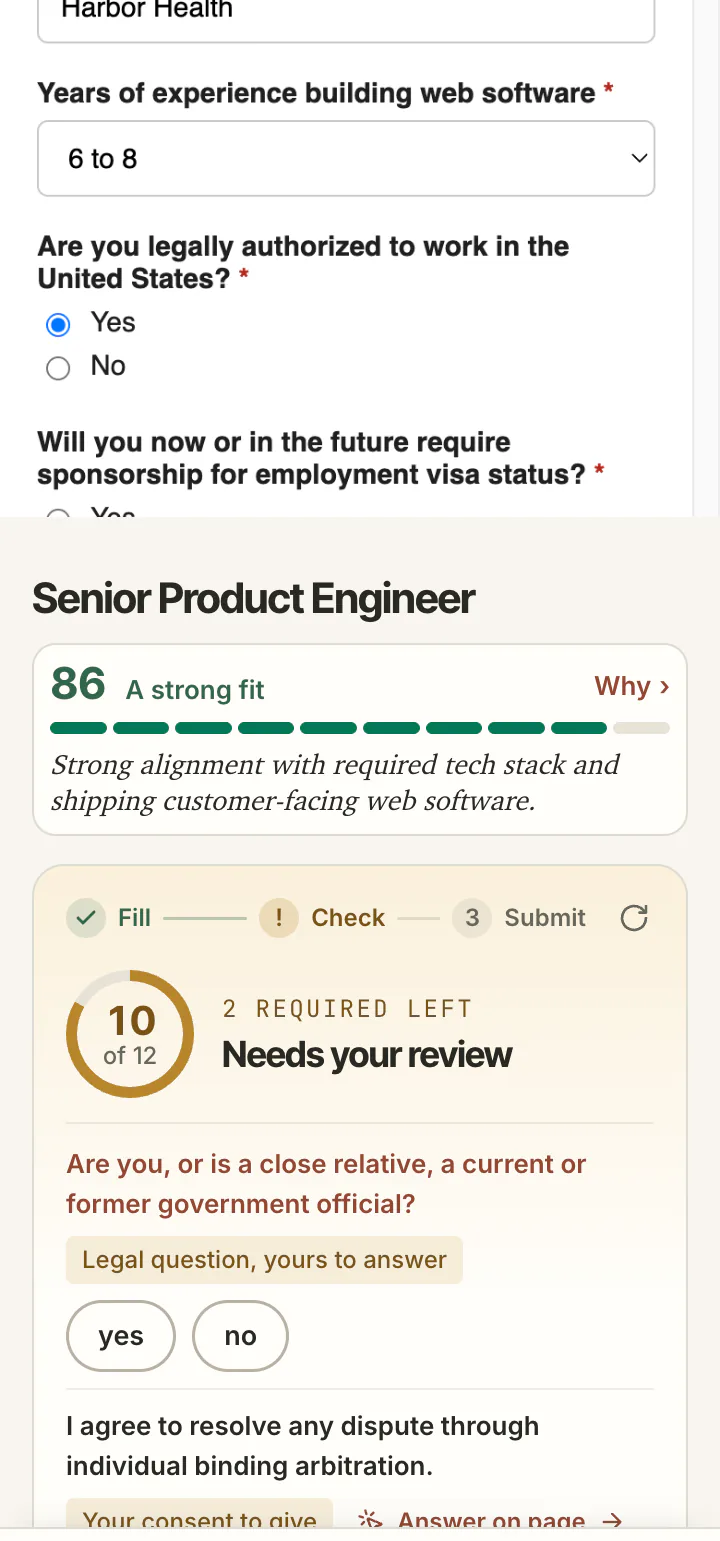
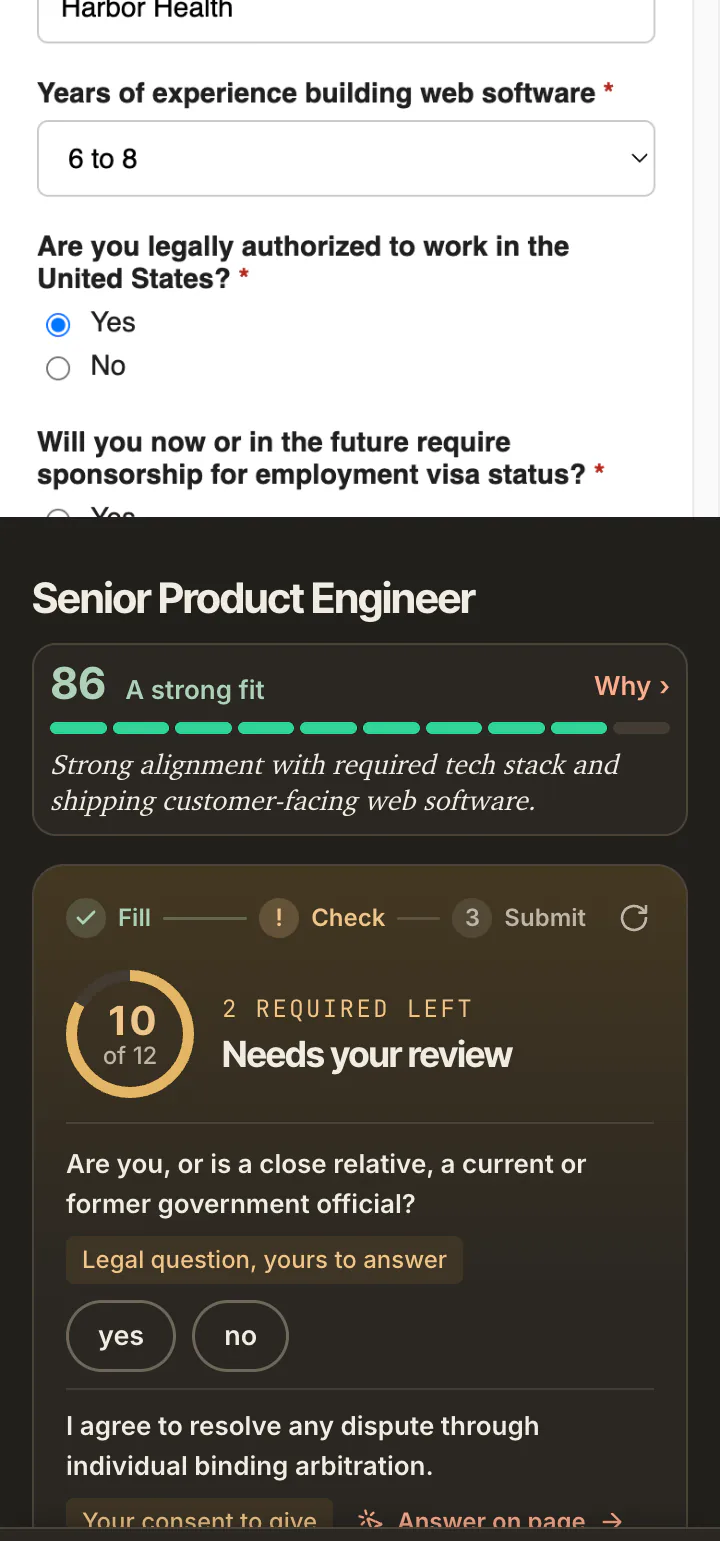
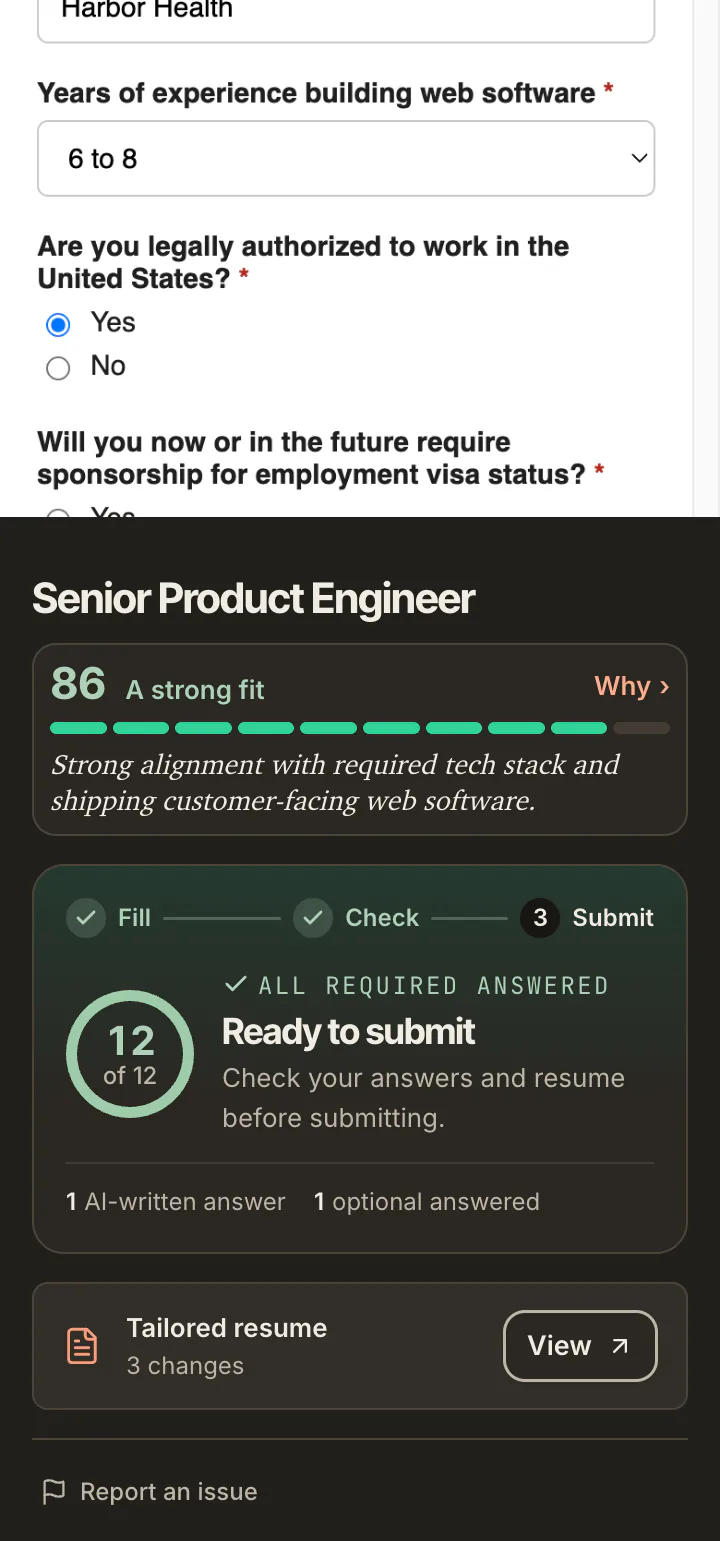
Every required answer in place. In Copilot, the Submit button is yours.
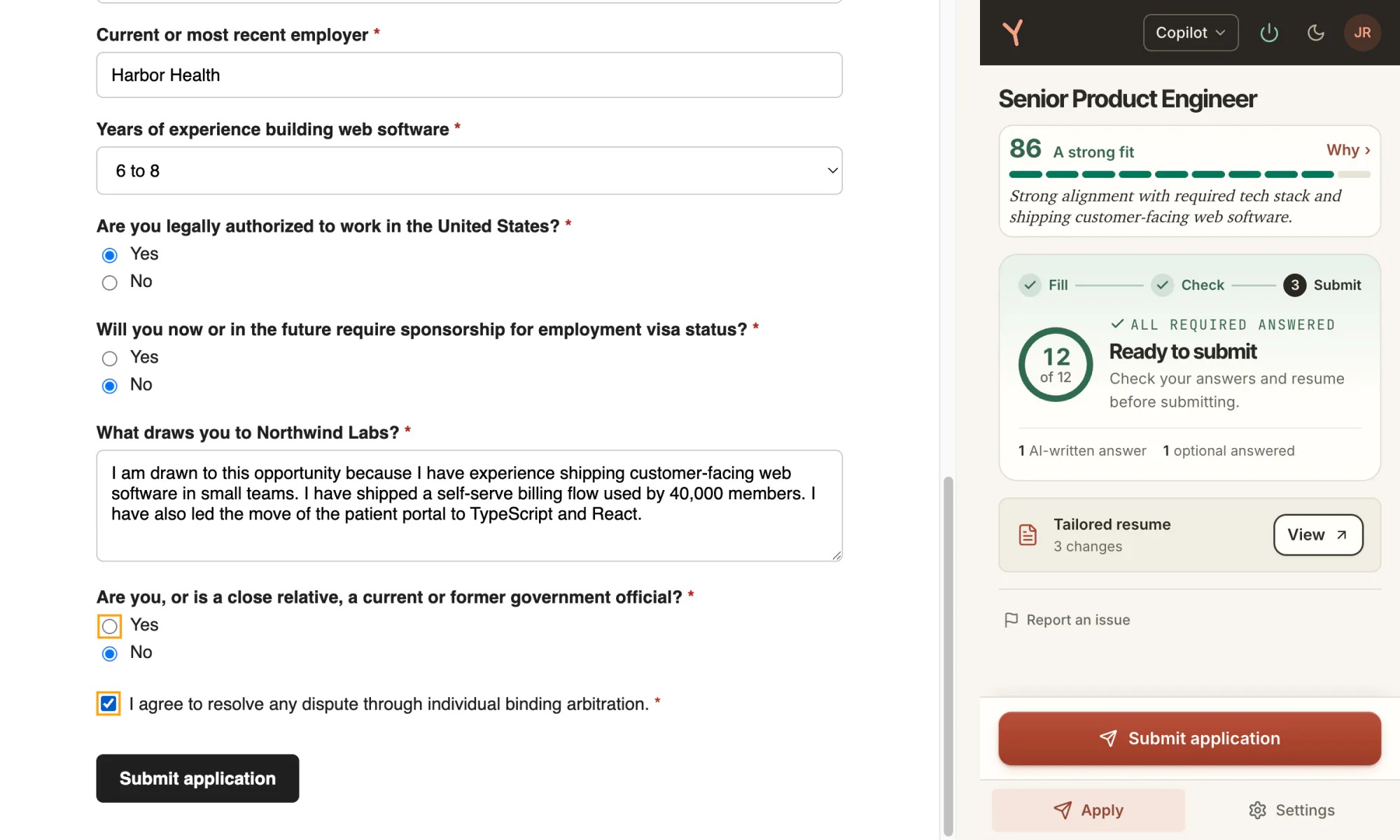
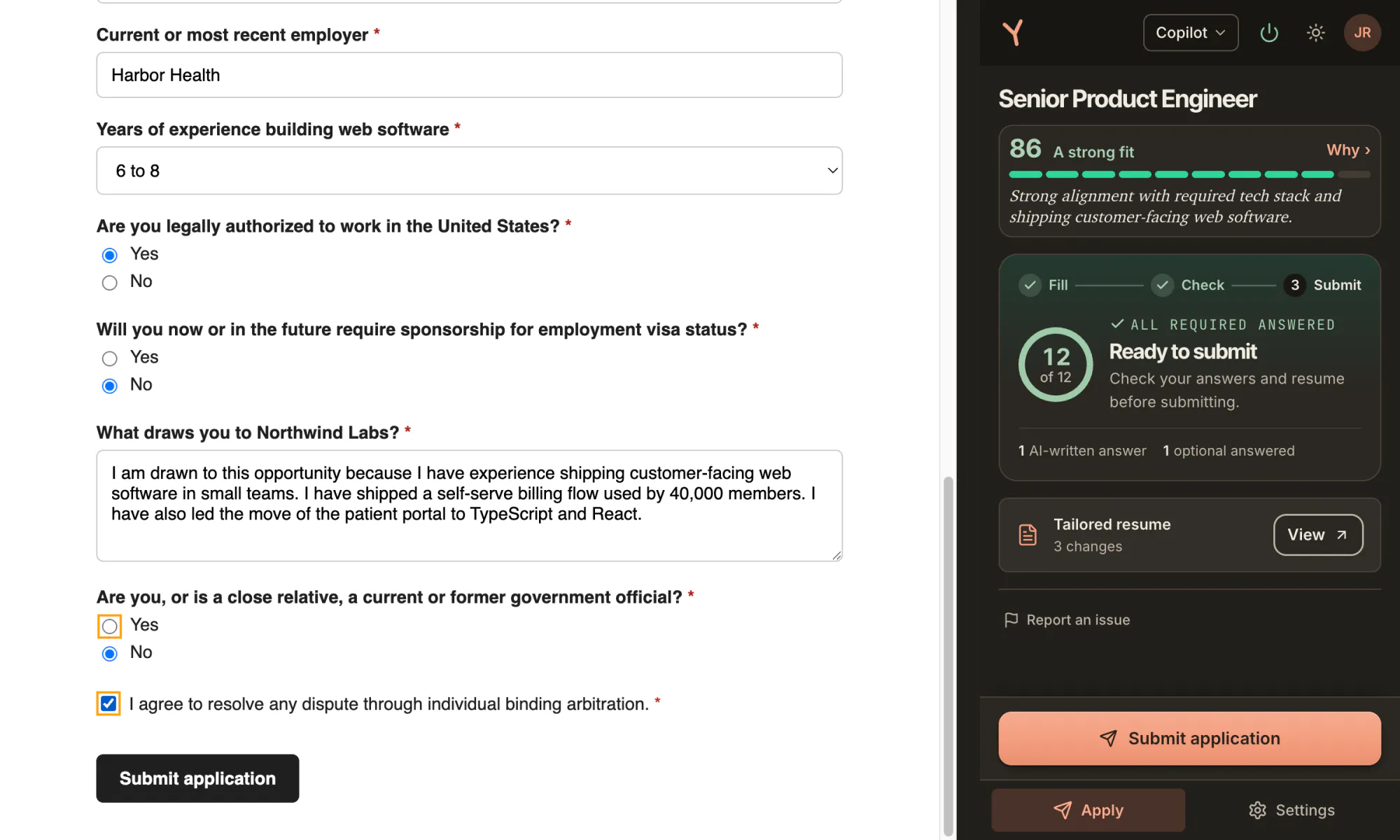
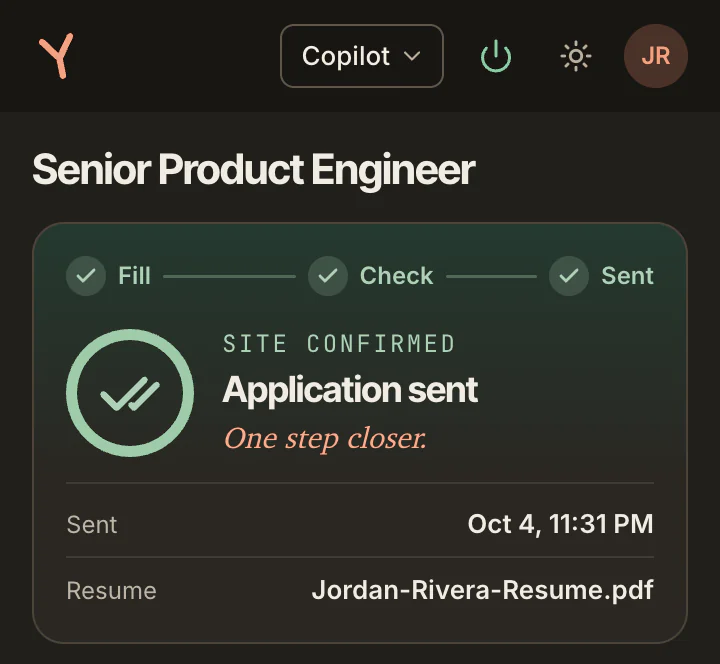
The site confirmed it. The panel shows Application sent, the time and the résumé file.
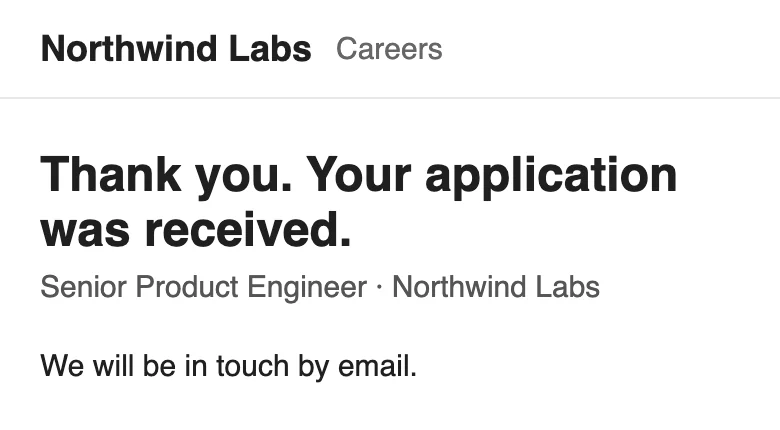
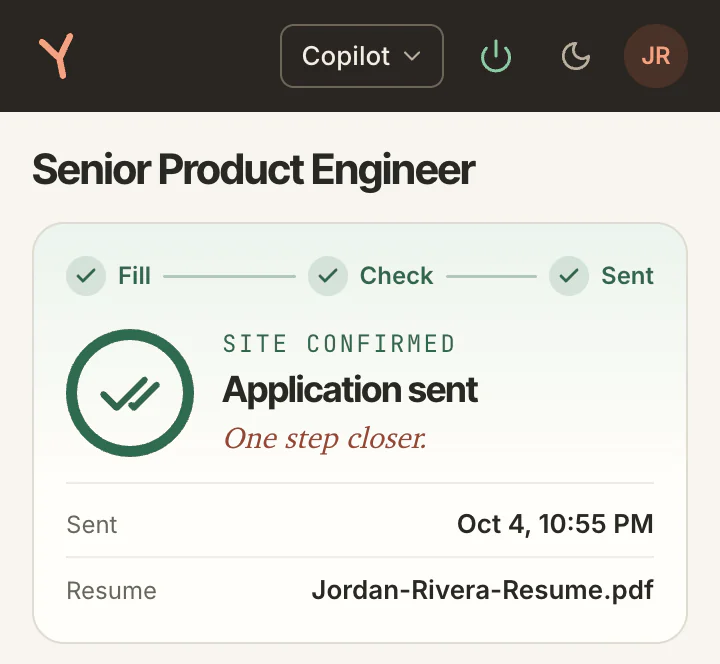
The match score compares the posting with your profile. It is not a hiring probability.
One recording: the shipped extension on a fictional employer's page, for a fictional person, with a local stand-in answering as the backend. The hero's panel is from the same run.
Copilot never submits: the Submit click in step five was the person's. The thank-you page belongs to the fictional form.
Before you apply
See which roles, dates and skills come through from your PDF.
Spot missing details before you build your profile.
The check runs in your browser. Your PDF is not uploaded.
Check your résuméFree · No account · PDF up to 2 MB
Product Engineer
Experience
Education
Skills
Everything below is what came out of your file, not what is in it. Anything missing here is a field we cannot fill for you from this file.
Name
Jordan Rivera
Contact
2 roles
Product Engineer
Software Engineer
A job you still hold and a job whose end date we dropped both read as no end date here. The file does not tell us which one it is.
1 school
BS, Computer Science, Colorado State University
6 skills
The file
1 page · 11 pt body type · single column
How it works
Check the details read into your profile.
Tell YouxAI which roles and places interest you.
Install the extension to fill supported applications.
YouxAI uses those details to find daily matches.
Local AI needs a capable desktop or laptop and a one-time model download of about 2GB.
Illustrated with fictional details.
Add to ChromeOpen youxai.app on your laptop to install the Chrome extension.
What you get
The form filled, the résumé tailoredThe panel types the answers. Each résumé change is listed, to keep or revert before anything sends.
Receipts keep your answersCaptured answers and their sources, from another fictional application.
ASubmission receiptAster Health · Senior Product Engineer · Oct 04, 2026 · Apply Agent
Values captured when the application was submitted.
Illustrated with fictional details.
Before anything sends
Fills supported applications, then pauses. You check the answers and send.
Copilot never submits.
Choose Autopilot to allow applications that meet your settings and pass its checks to be sent.
It pauses for sensitive answers, missing details or anything that needs you.
On LinkedIn, you always make the final Submit click. Other sites may also need you to finish.
Your data
AI runs on your computer. Your saved workspace uses online storage.
In your browser
Your PDF is read in your browser without being uploaded.
On your computer
Fit checks and AI-written answers run on your computer.
In the cloud
Your account, profile, saved résumé and application records use cloud storage and sync.
Sending an application shares your details with the employer.

It started as a simple tracker for my own job search.
As on-device models got good enough to do the work, I rebuilt it as an agent that fills applications on your computer.
Tell me what gets in your way: founder@youxai.app
Meet the founderPricing
Try YouxAI with your own profile and applications.
Use the workspace and free résumé check on your phone.
Open youxai.app on your laptop to install the Chrome extension.
Check your résumé$0
Unlimited manual autofill
Up to 3 applications a day, filled for you by the Apply Agent, free
A paid plan is coming later.
Filling applications needs desktop Chrome.
Local AI needs a capable computer and a one-time model download of about 2GB.
Copilot never submits.
Choose Autopilot to allow sends that clear your bar.
It pauses when something needs you.
Support varies by site and form.
On LinkedIn, you always make the final Submit click.
Use the workspace and résumé check on your phone.
Open youxai.app on your laptop to install.
Everything, during beta.
Manual autofill is unlimited.
The Apply Agent runs up to 3 applications a day, and the LinkedIn agent up to 5.
The résumé check is free and has no limit.
No.
Chrome must stay open on your computer for the agent to fill applications.
Free during beta. The résumé check needs no account.